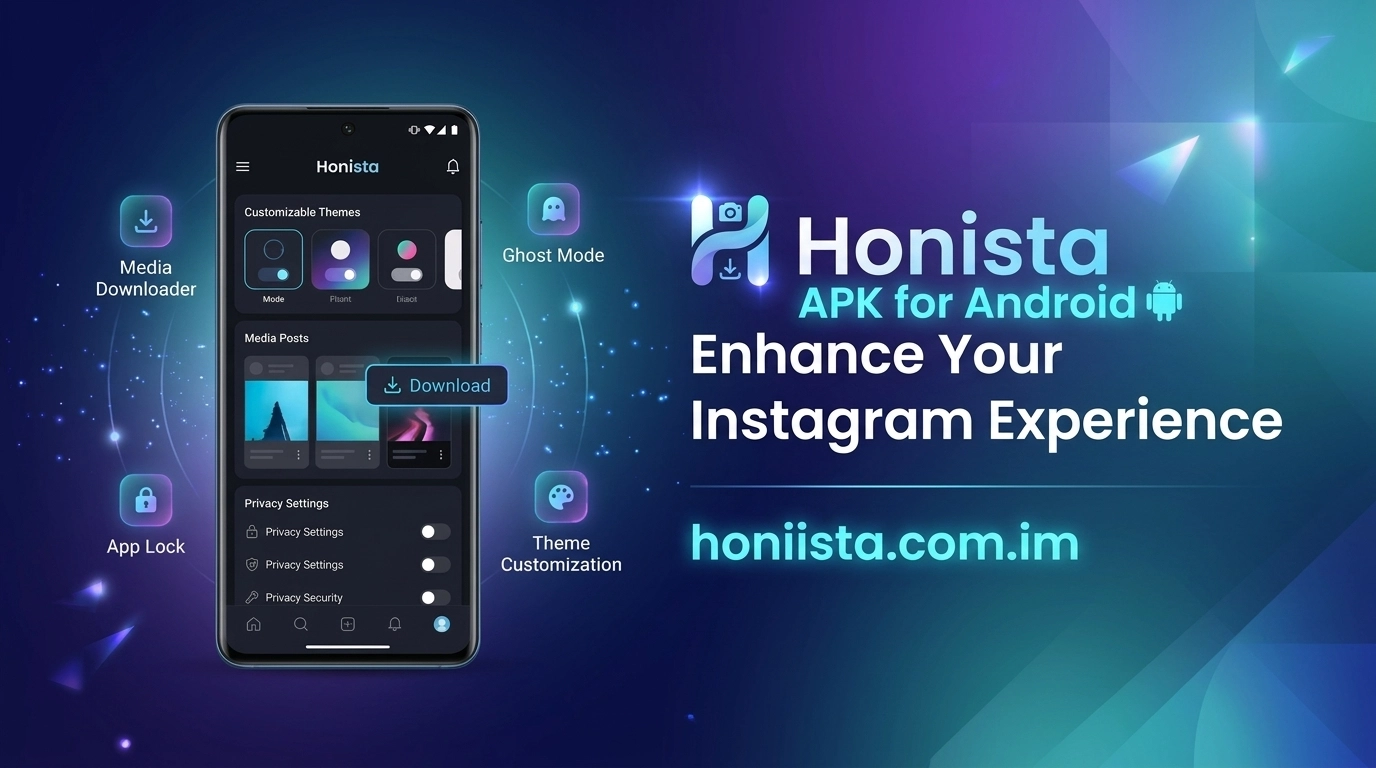
| App Name | Honista APK |
| Version | v13.0 |
| Downloads | 128,000+ |
| File Size | 94.24 MB |
| Updated on | Today |
| Mod Info | Download Reels |
How to Install Honista APK on Android
Installing an APK on an Android device is slightly different from installing an application through the Google Play Store. If you are interested in trying Honista, it is important to understand how APK installation works and what precautions to take before opening a third-party application.
Honista is an unofficial modified Instagram client that may offer additional customization, privacy-related settings, and media tools. It is not developed or supported by Meta. In this guide, we explain how to install Honista APK on Android, including the basic installation process, compatibility checks, and solutions to common problems.
What Is Honista APK?
Honista APK is an Android installation package for an unofficial Instagram modification. Depending on the release, it may include features such as custom themes, profile picture zoom, media downloading options, and additional privacy controls.
Unlike the official Instagram application, Honista is distributed through third-party sources. Therefore, users should carefully evaluate the download source and understand the possible security and account-related risks before installing it.
Things to Check Before Installing Honista
Before starting the installation, make sure your Android device is ready.
1. Android Compatibility: Check whether the APK supports your device’s Android version. Requirements can vary between releases.
2. Available Storage: Make sure your phone has enough free space for the downloaded file and installation.
3. Trusted Download Source: Only consider APK files from sources you can evaluate. A website’s download label does not prove that a file is authentic or safe.
4. Security Scan: Scan the downloaded file with a reputable security tool before installing it.
5. Permissions: Review the permissions requested during installation and when opening the application. Be cautious of access that does not seem necessary.
How to Install Honista APK on Android
Follow these general steps if you have independently verified the APK source and decided to proceed.
Download the APK File
Find the Honista release you intend to use from a source you trust. Check its version information, file details, and compatibility before downloading.
Wait until the download is complete. Avoid opening incomplete files or unexpected pop-ups.
Locate the Downloaded File
Open the Files or File Manager application on your Android phone. Navigate to the Downloads folder and find the Honista APK file.
If you cannot find it, check your browser’s download history to confirm where the file was saved.
Allow Installation From the Selected Source
Android may block installation from sources outside the Google Play Store.
If you choose to continue with a file you trust, Android may show an option to allow your browser or file manager to install unknown apps. Open the relevant setting and review the warning carefully.
Only grant this permission to the specific source you intend to use. You can turn it off again after installation.
Start the Installation
Tap the downloaded APK file. Review the Android installation prompt and check the application information.
If everything looks correct and you want to proceed, follow the on-screen instructions. Android will install the application if the file is compatible and passes its installation checks.
Open Honista
Once installation finishes, you may find the app icon in your app drawer or on your home screen. Open it and review the requested permissions before continuing.
Avoid entering sensitive account information if you have concerns about the application’s authenticity or security.
How to Fix Honista Installation Problems
Sometimes Android may display an error during installation. Here are common causes and possible solutions.
App Not Installed
This message can appear because of insufficient storage, an incompatible Android version, a damaged APK, or a signing-certificate conflict. Check the file and device compatibility before trying again.
Parse Error
A parse error may indicate that the APK is incomplete, corrupted, or incompatible with your device. Obtain a compatible file from a source you trust rather than repeatedly installing the same damaged download.
Installation Blocked
Android security features may block an application that cannot be verified. Do not disable security protections simply to force an installation. Investigate the file and source first.
Not Enough Storage
Remove unnecessary files or applications if your device is running low on storage. Keep enough free space for the installation process.
Can You Install Honista on iPhone?
An Android APK cannot be installed directly on an iPhone or iPad. iOS uses a different application format and installation system. Be careful with websites claiming that an Android APK works directly on iOS.
Frequently Asked Questions
Is Honista available on Google Play Store?
Honista is an unofficial modified Instagram client and is not an official Meta application distributed through the standard Google Play Store.
Do I need to root my Android phone?
APK installation generally does not require root access. However, compatibility depends on the specific application release and device.
Why does Android block Honista installation?
Android may block an APK because it comes from an unknown source, fails a security check, or has compatibility or file-integrity problems.
Can I install Honista alongside Instagram?
This depends on the package names, signatures, and compatibility of the specific builds. Installing multiple modified clients can also create conflicts.
Is Honista safe to install?
No third-party modified APK should automatically be considered safe. Review its source, scan the file, check permissions, and understand the possible privacy and account risks.
Conclusion
Learning how to install Honista APK on Android starts with checking compatibility and evaluating the APK source. If you decide to proceed, locate the file, review Android’s installation warning, and follow the on-screen steps. Remember that Honista is not officially supported by Meta, so its security, updates, and functionality are not guaranteed. For the most dependable Instagram experience, the official application remains the recommended option.
1 thought on “How to Install Honista APK on Android”